
Computer Repair
Comprehensive Computer Repair Solutions
- Professional Computer Repair
- Supporting Apple & PC Devices
- For Home and Business Users”
Websites
Need to make an online presence?
- Domain Name Registration
- Reliable Website Hosting
- Custom Website Development
Tech Support Bundle
Managed Services for
Home & Business
- Accessible Phone & Remote Help
- Proactive Anti-Virus Defense
- Safe Cloud Backup Services
Schedule Now
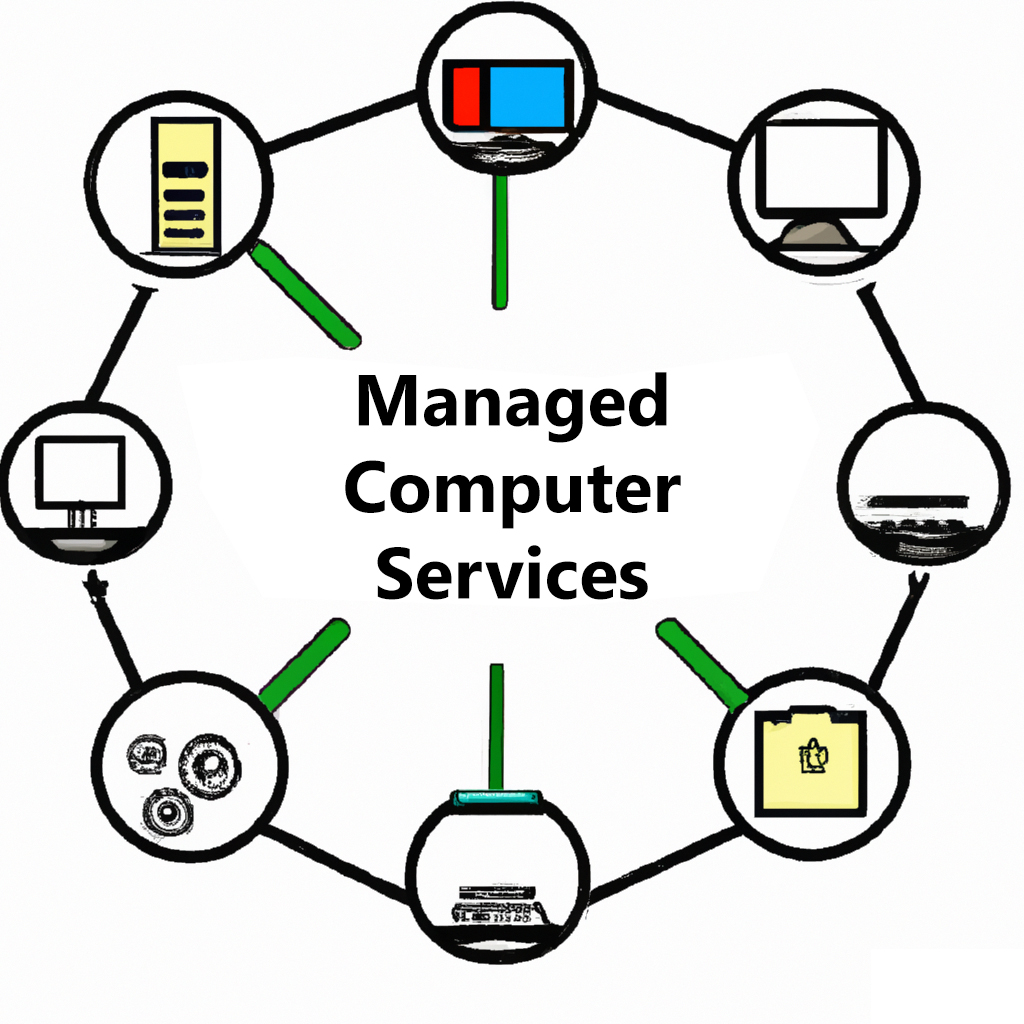
Managed Services packages! This all-in-one solution includes phone and remote support, anti-virus software, and cloud backup solutions for your peace of mind. With our team of experienced technicians, you can trust that your computer systems are in good hands. Our phone and remote support is available to help with any technical issues that may arise, and our anti-virus software ensures that your systems stay protected from harmful threats. Plus, our cloud backup solutions provide a secure and reliable disaster recovery option for your important data. Don’t leave your computer systems vulnerable – choose our Managed Services package for comprehensive and hassle-free protection.
Latest News

Technology under $400.00
When you purchase technology for $400 or less you are not getting the bargain you think you are. The bottom end of technology starts at $400.00. It is VERY important that you know what to look for and why. Processors and RAM are 2 key components to speed or lack of...
Out of Office 7/5/2017
Greetings. Due to a family member being diagnosed with cancer I will be out of the office TODAY Wednesday July 5, 2017. PLEASE call my office at 216-475-0661 as someone there will be able to help. Don't forget... we are open 12pm-8pm Monday-Friday and Closed on the...

Copy an Image to a Word Document
How to Copy an Image into a Word Document: Open a Word Document Create Word Document without pictures Open FireFox and go to google.com and search for image Right Click on desired image select copy Go back to word document Left Click where you want the picture Right...
Click the RED icon at the bottom right of the screen!
