
Computer Repair
Comprehensive Computer Repair Solutions
- Professional Computer Repair
- Supporting Apple & PC Devices
- For Home and Business Users”
Websites
Need to make an online presence?
- Domain Name Registration
- Reliable Website Hosting
- Custom Website Development
Tech Support Bundle
Managed Services for
Home & Business
- Accessible Phone & Remote Help
- Proactive Anti-Virus Defense
- Safe Cloud Backup Services
Schedule Now
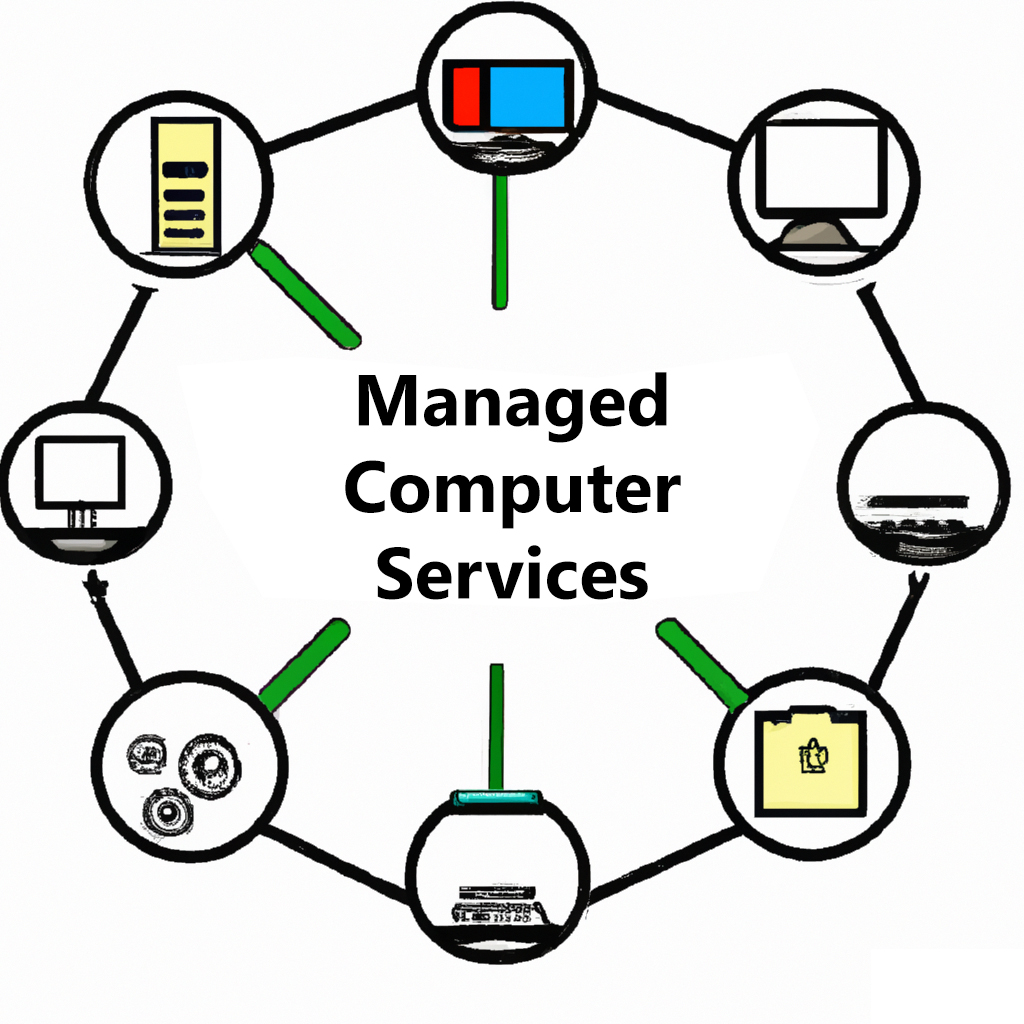
Managed Services packages! This all-in-one solution includes phone and remote support, anti-virus software, and cloud backup solutions for your peace of mind. With our team of experienced technicians, you can trust that your computer systems are in good hands. Our phone and remote support is available to help with any technical issues that may arise, and our anti-virus software ensures that your systems stay protected from harmful threats. Plus, our cloud backup solutions provide a secure and reliable disaster recovery option for your important data. Don’t leave your computer systems vulnerable – choose our Managed Services package for comprehensive and hassle-free protection.
Latest News
Adding an Internet Shortcut to the Desktop
Our clients often utilize the computers they use for a hand full of reasons. The most important we have found is for the internet! In this quick tutorial, we will show you how to add a website shortcut to your desktop. First, navigate to your web browser. In this case...
Keeping your Computer Physically Fit
Your computer can break down very much like a car. You can start it up this morning, but when you go to start it this afternoon, is it going to start? Why do computers break down? Like any other electrical or mechanical device, breakdowns are inevitable. It could...

Anti-Virus can be Anti-Effective!
The short answer to the question is YES! Numerous factors are at play inside your computer. Your security software programs are one of those factors which can become affected by other software. For example; If your computer has Norton 360 AND McAfee installed AT THE...
Click the RED icon at the bottom right of the screen!
