
Computer Repair
Comprehensive Computer Repair Solutions
- Professional Computer Repair
- Supporting Apple & PC Devices
- For Home and Business Users”
Websites
Need to make an online presence?
- Domain Name Registration
- Reliable Website Hosting
- Custom Website Development
Tech Support Bundle
Managed Services for
Home & Business
- Accessible Phone & Remote Help
- Proactive Anti-Virus Defense
- Safe Cloud Backup Services
Schedule Now
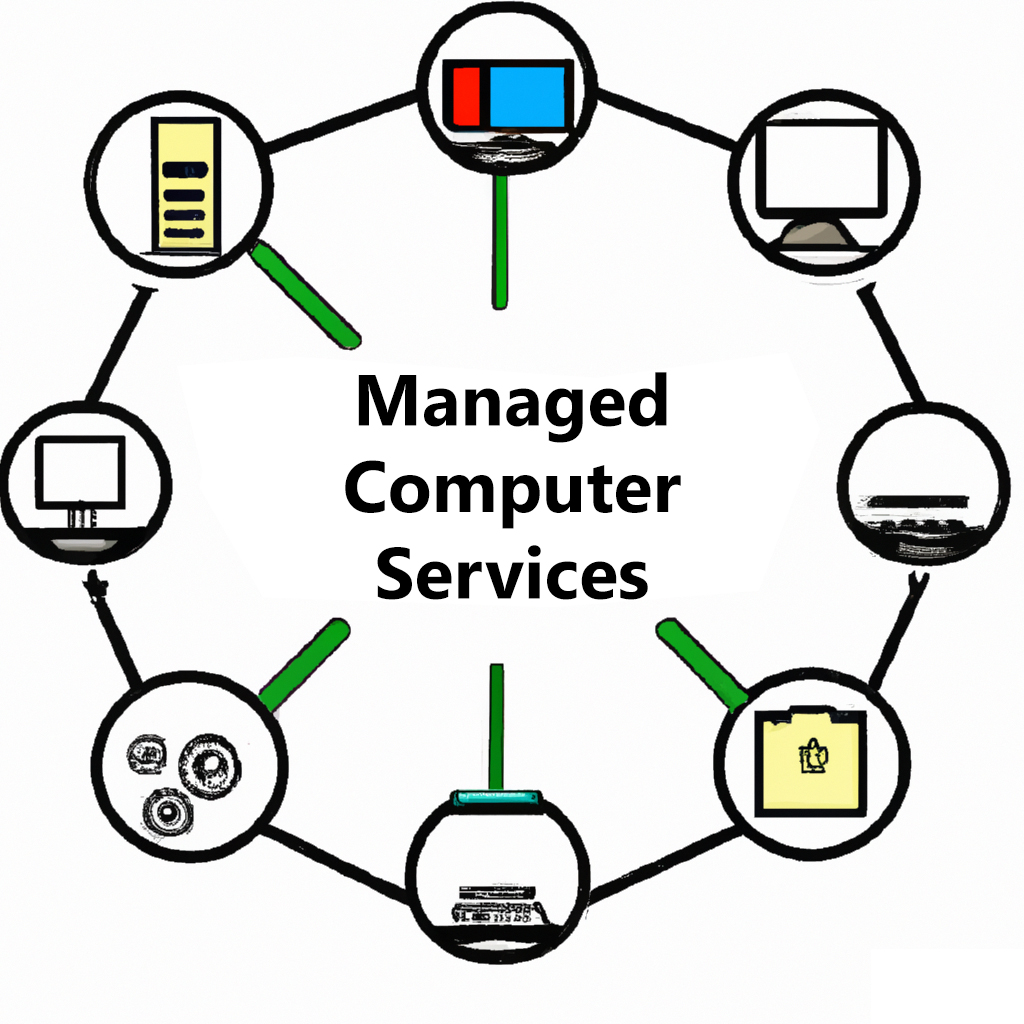
Managed Services packages! This all-in-one solution includes phone and remote support, anti-virus software, and cloud backup solutions for your peace of mind. With our team of experienced technicians, you can trust that your computer systems are in good hands. Our phone and remote support is available to help with any technical issues that may arise, and our anti-virus software ensures that your systems stay protected from harmful threats. Plus, our cloud backup solutions provide a secure and reliable disaster recovery option for your important data. Don’t leave your computer systems vulnerable – choose our Managed Services package for comprehensive and hassle-free protection.
Latest News
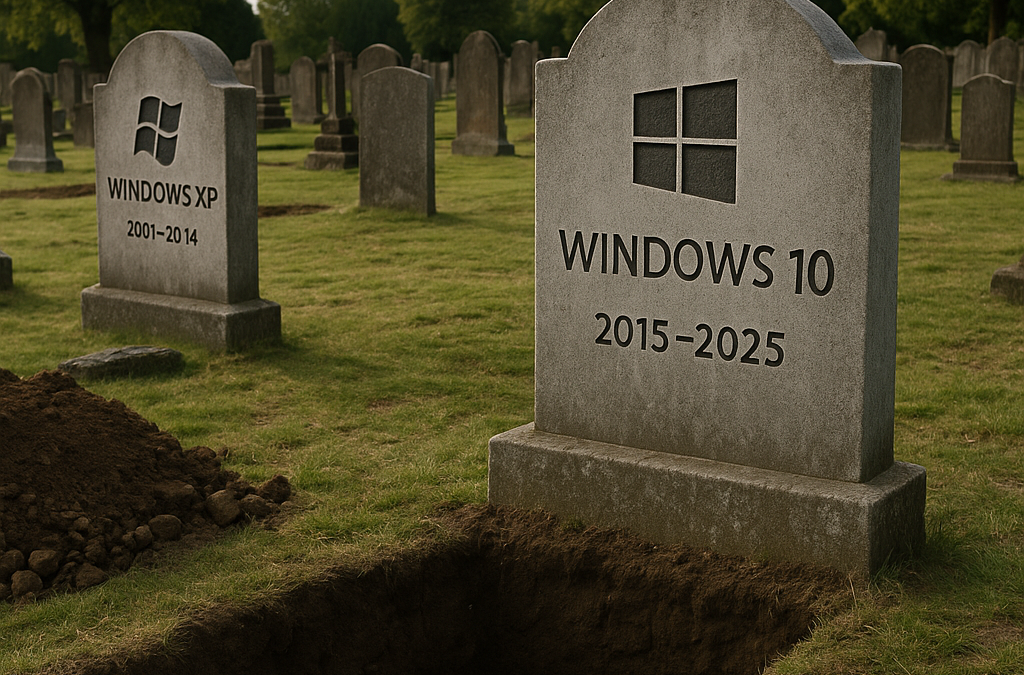
PRESS RELEASE
FOR IMMEDIATE RELEASEContact:Weldon HastingsWeldonPC.com📞 216-475-6000 | 888-7-WELDON📧 weldon@weldonpc.com Windows 10 Support Ends October 14, 2025 — Local IT Firm Urges Northeast Ohio to Upgrade Now Cleveland, OH — [Today’s Date] — Microsoft will officially end...

Managed Service Providers: The Stress‑Free Way to Handle Business IT
Introduction Technology is the backbone of almost every modern business, but keeping that technology healthy is a full‑time job. If you don’t have the budget—or the desire—to hire an internal IT department, a Managed Service Provider (MSP) can give you the same peace...

WHAT’S DRIVING YOUR COMPUTER?
ADVERTORIAL | TECHNOLOGY & SERVICE Device drivers keep your PC safe, stable and speedy—here’s how. 1 ▸ WHAT IS A DRIVER? A device driver is a tiny program that lets your operating system “speak” to one specific piece of hardware—printer, graphics card, Wi‑Fi...
Click the RED icon at the bottom right of the screen!
